Network equipment refreshes
Coordinate equipment delivery, rack preparation, change windows, and connectivity checks with your IT team.

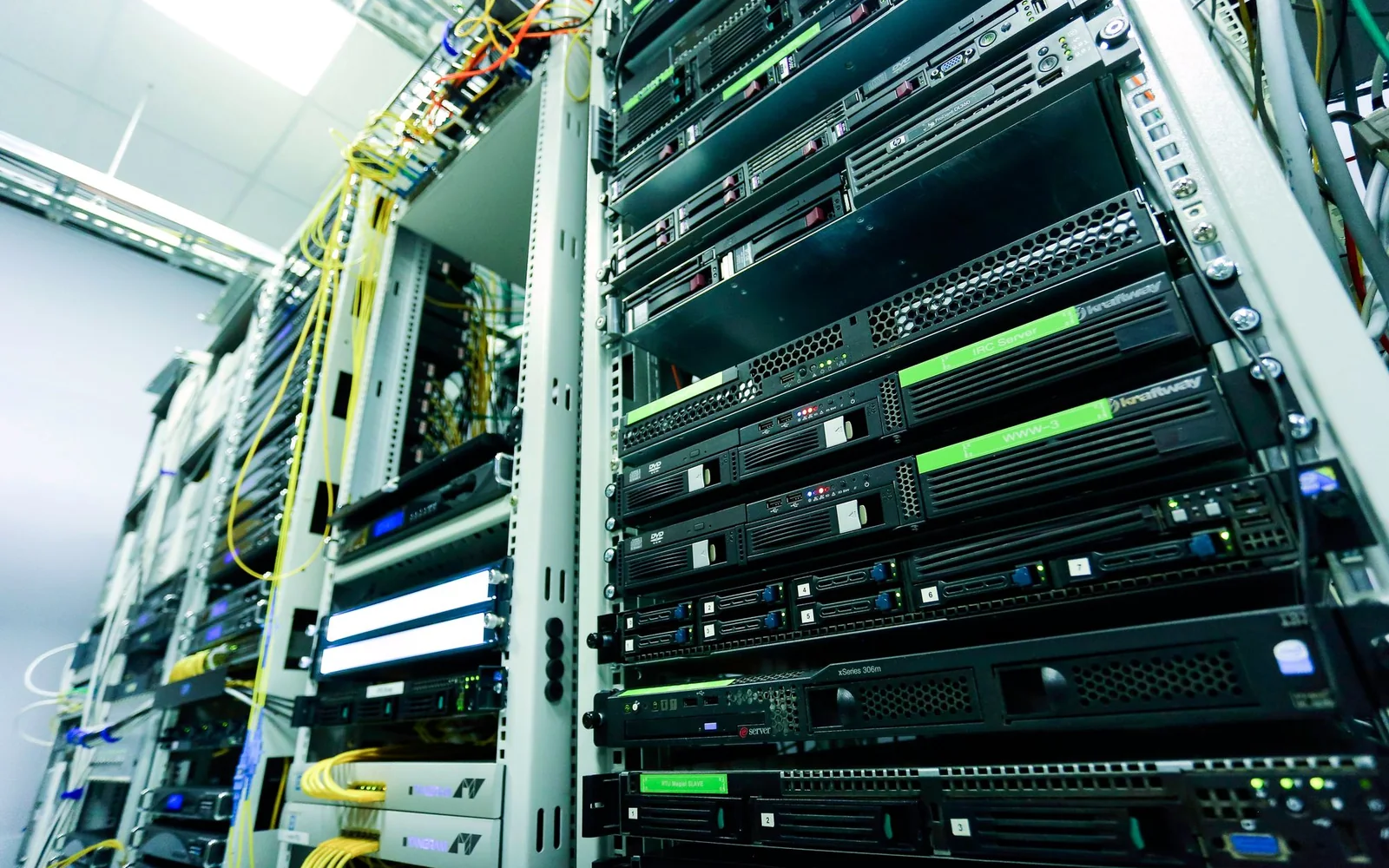
Wireless access points, network equipment, and physical connections coordinated with your IT team.
Retail technology refreshes, office networks, warehouse connectivity, and distributed sites deploying new business devices.
Coordinate equipment delivery, rack preparation, change windows, and connectivity checks with your IT team.
Install access points at agreed locations and document mounting, cabling, and equipment details.
Prepare physical connections for cameras, point-of-sale equipment, workstations, and other site technology.
Equipment locations and updated connection records
Connectivity checks and documented exceptions
Rack photos, asset details, and IT-team handoff
Agree on the physical installation scope and identify who owns network configuration, remote access, approvals, and final validation before deployment.
Include your allowed change windows and site-access requirements in the inquiry so cutovers can be planned around operations.
Confirm power, cabling, mounting locations, rack space, equipment delivery, configuration ownership, and the people available for acceptance checks.
Tell us the location, systems involved, and when you need the work completed.
Discuss your project